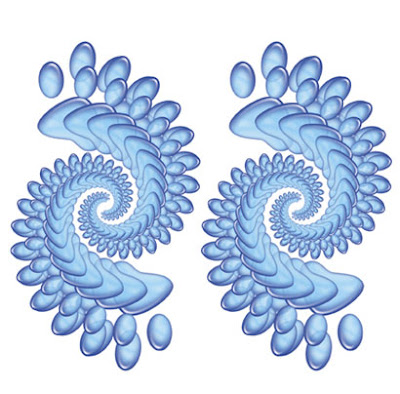
Create a Photoshop document, at whatever approx size you want your fractal to be. Add a layer above the background layer. Create a shape possibly with the Custom shape tool, change that vector shape into a raster shape and use a layer style to style like a gel. Create a layer under that and then flatten those two layers so they float above the background layer and gets rid of the layer style info. Multiple layers with styles will slow things down,
Next, use the Free transform tool, or Apple+T or Ctrl+T(pc) to enlarge or reduce the graphic, rotate it a bit and move it slightly away from it's original position. In the top blue image I first reduced the original graphic and in this rainbow image I enlarged it.
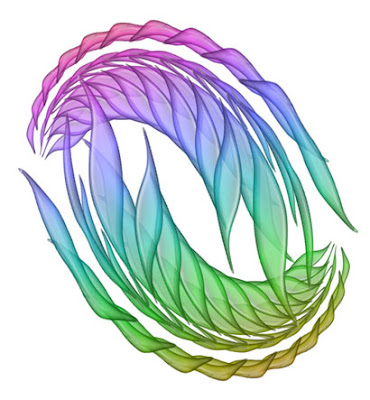
Great! Nothing special yet. Now use the keystroke Apple+option+shift+T or Ctrl+alt+shift+T(pc) ... and the graphic now duplicates itself onto a new layer but slightly transformed. Keep on repeating the keystroke and the pattern will build up. Flatten that group, flip it horizontally and you can see the potential for fractal-like patterns.


